
Free tool
Open Port Checker
Check 24 common TCP ports on any domain or IP address. Then scan all 65,536 with Nmap.
Reading results
How to read the results
Open
A service on the host is listening on this port and accepted our TCP connection.
Closed
The host refused the connection or did not answer. A port that a firewall blocks also shows as closed.
What to do about an open port
Check that each open port belongs to a service you meant to expose. Close database, remote access, and file sharing ports, or allow only known IP addresses to reach them. Then check again to confirm the port shows as closed.
The checker connects from HostedScan servers, so the results show what the internet sees. A port that is open inside your office network or VPN can still show as closed here.
Common ports
Common ports and the services behind them
The checker tests these 24 ports. A web server needs ports 80 and 443 open. Databases, remote desktops, and file shares should not be reachable from the internet.
| Port | Service | What it is |
|---|---|---|
| 21 | FTP | File transfer. Sends passwords in plain text. |
| 22 | SSH | Remote shell for servers. Attackers try common and leaked passwords on it. |
| 23 | Telnet | Remote shell with no encryption. Close it. |
| 25 | SMTP | Mail between mail servers. Open on mail servers only. |
| 53 | DNS | Name lookups. Open on DNS servers only. |
| 80 | HTTP | Websites without TLS. Most sites redirect it to port 443. |
| 110 | POP3 | Mail download without TLS. Use port 995 instead. |
| 143 | IMAP | Mail access without TLS. Use port 993 instead. |
| 443 | HTTPS | Websites and APIs over TLS. |
| 445 | SMB | Windows file sharing. The WannaCry ransomware spread through it in 2017. |
| 465 | SMTPS | Mail submission over TLS. Open on mail servers only. |
| 587 | SMTP submission | Mail submission from mail apps. Open on mail servers only. |
| 993 | IMAPS | Mail access over TLS. Open on mail servers only. |
| 995 | POP3S | Mail download over TLS. Open on mail servers only. |
| 1433 | Microsoft SQL Server | Database. Keep it private. |
| 3306 | MySQL | Database. Keep it private. |
| 3389 | RDP | Windows Remote Desktop. Put it behind a VPN. |
| 5432 | PostgreSQL | Database. Keep it private. |
| 5900 | VNC | Remote desktop. Put it behind a VPN. |
| 6379 | Redis | In-memory data store. Has no password by default. |
| 8080 | HTTP alternate | Web apps, proxies, and admin panels without TLS. |
| 8443 | HTTPS alternate | Web apps and admin panels over TLS. |
| 9200 | Elasticsearch | Search database. Older versions accept requests with no password. |
| 27017 | MongoDB | Database. Keep it private. |
The basics
What is an open port checker?
An open port checker connects to a host on common TCP ports and reports which ports accept the connection.
Why should businesses check for open ports?
Every open port is a service that anyone on the internet can try to connect to. Your website needs ports 80 and 443 open. A database usually should not be reachable from the internet. A port check catches a firewall rule or service setting that exposed something you meant to keep private.
Protocols
TCP and UDP ports
TCP and UDP carry most internet traffic. Each protocol has its own 65,536 ports, numbered 0 to 65,535, so TCP port 53 and UDP port 53 are separate ports.
TCP
TCP opens a connection with a handshake before it sends data. A scanner can tell an open TCP port from a closed one by whether the handshake completes. Websites, mail, SSH, remote desktops, and databases use TCP.
UDP
UDP sends data with no handshake. An open UDP port often sends no reply, so a UDP scan waits for a timeout on each port and takes much longer than a TCP scan. DNS, VPNs, and VoIP use UDP.
This checker tests TCP ports only. In HostedScan, the full Nmap TCP scan checks all 65,536 TCP ports, and the Nmap UDP scan checks the 1,000 most common UDP ports.
The results
Online port scanning with HostedScan Security
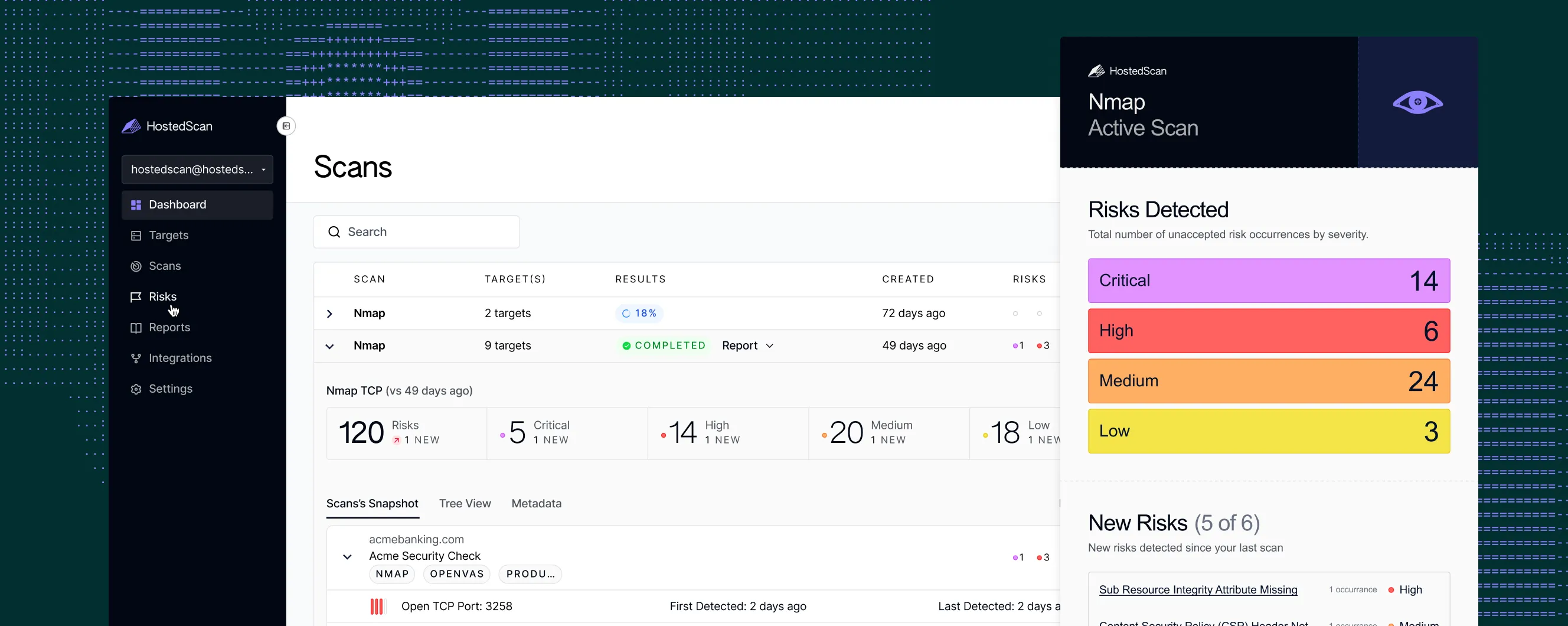
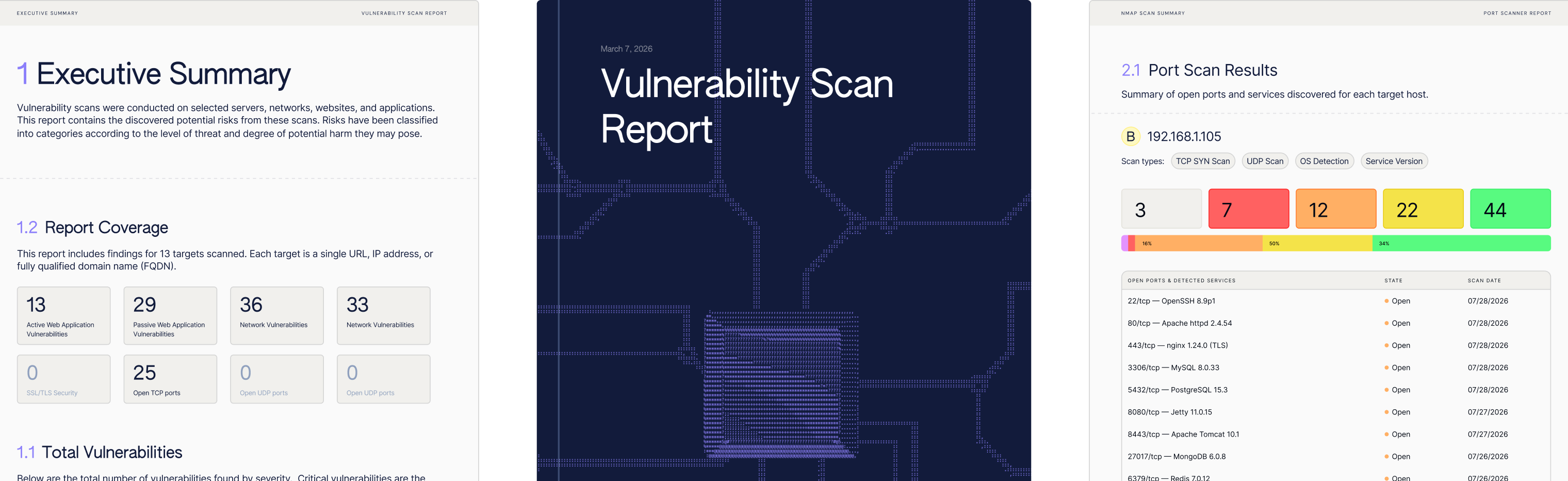
HostedScan Security runs Nmap to scan all 65,536 TCP ports and the 1,000 most common UDP ports on your servers. Put the scans on a schedule, and HostedScan alerts you when a new port opens.
Our Customers
5,000+ MSPs and IT teams who move faster













Quick Answers
Frequently asked questions
Our knowledge base contains answers to technical questions, and you can always contact us for more details on our plans, pricing, or any questions.
Speed and power,
without the complexity
The world's leading vulnerability scanners, all in one platform.